Download ArtCraft: start with the official product page
ArtCraft AI Studio and the Craft Apps are separate products. Installer formats, supported platforms and release status can change, so use the current official source rather than a copied download list.
1. ArtCraft AI Studio
Use the official download page for the current desktop or web access options. GitHub Releases provides versioned assets where they are published.
| Source | What you get | Best for |
|---|---|---|
| getartcraft.com ↗ | Current official download information | Check first |
| GitHub Releases ↗ | Versioned release assets when published | Inspect version and notes |
Windows
- Open the official download page. Select only an installer and version listed there.
- Read the current release notes. Compare the version with the official GitHub release when applicable.
- Stop if something does not match. Ask the project through its official support or repository channels before proceeding.
macOS
- Check the official download page for the currently supplied build and its instructions.
- Read the macOS prompt carefully. Do not bypass a system warning merely because a site says to do so.
- Use the official support channel if the expected signing or release information is unclear.
Linux and source builds
The repository’s development setup ↗ is for contributors. It should not be read as a promise of a supported end-user Linux installer. Check the official product and release pages for current availability.
2. Craft Apps
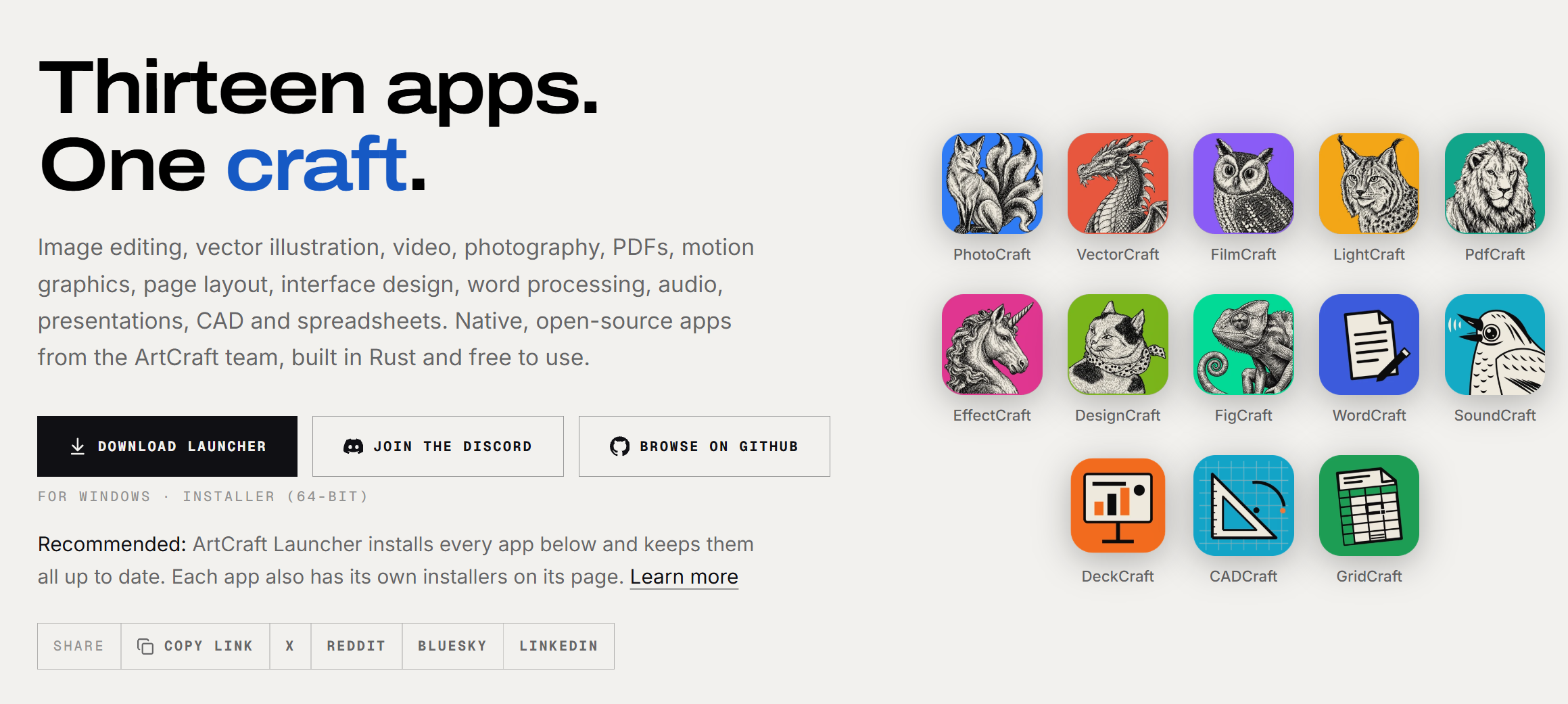
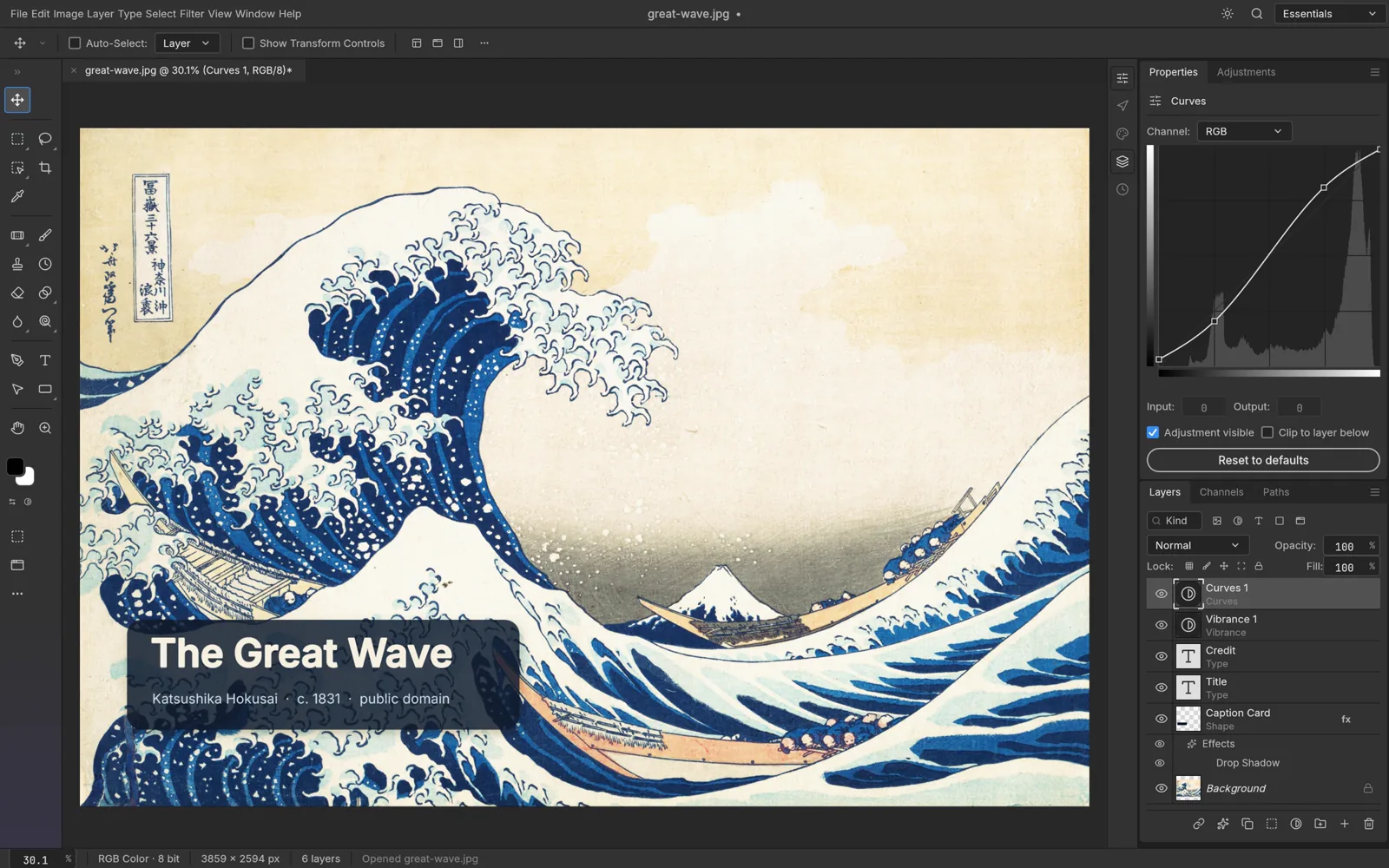
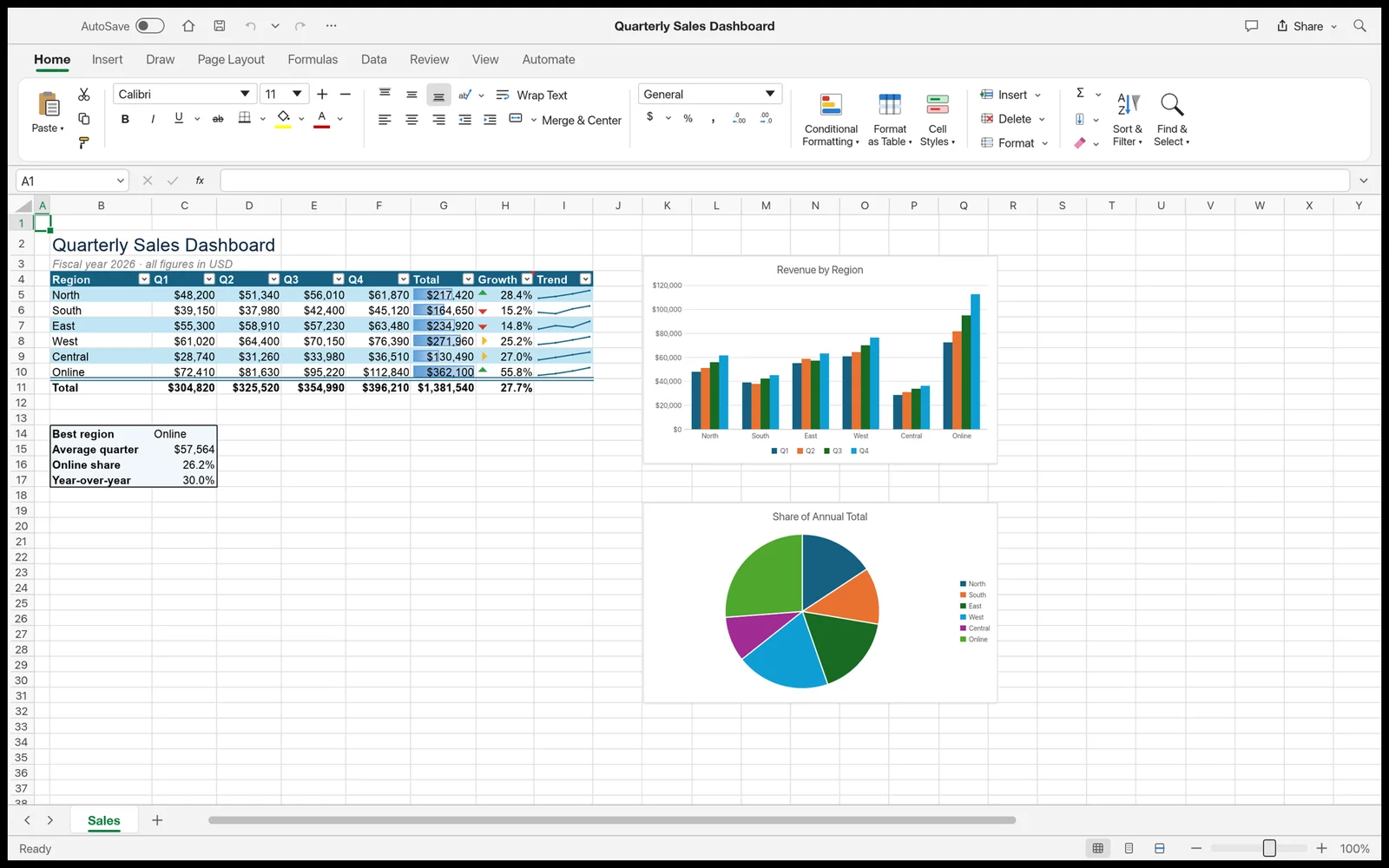
The official apps directory lists the current Craft Apps lineup. Follow the product page and linked repository for the app you need; availability, browser access and platform support should be verified there.
Browse the 13 official Crafting Apps ↗
Prices, plans, and third-party services
Use the official pricing page ↗ for current prices, plans and payment terms. Model-provider terms can be separate. This guide does not give a commercial-use or output-rights assurance.